Canva Import and Design Kit Cloning
Import a Canva, Photoshop, or InDesign file straight into a design kit, then clone it to every format you need with dynamic block mappings intact.
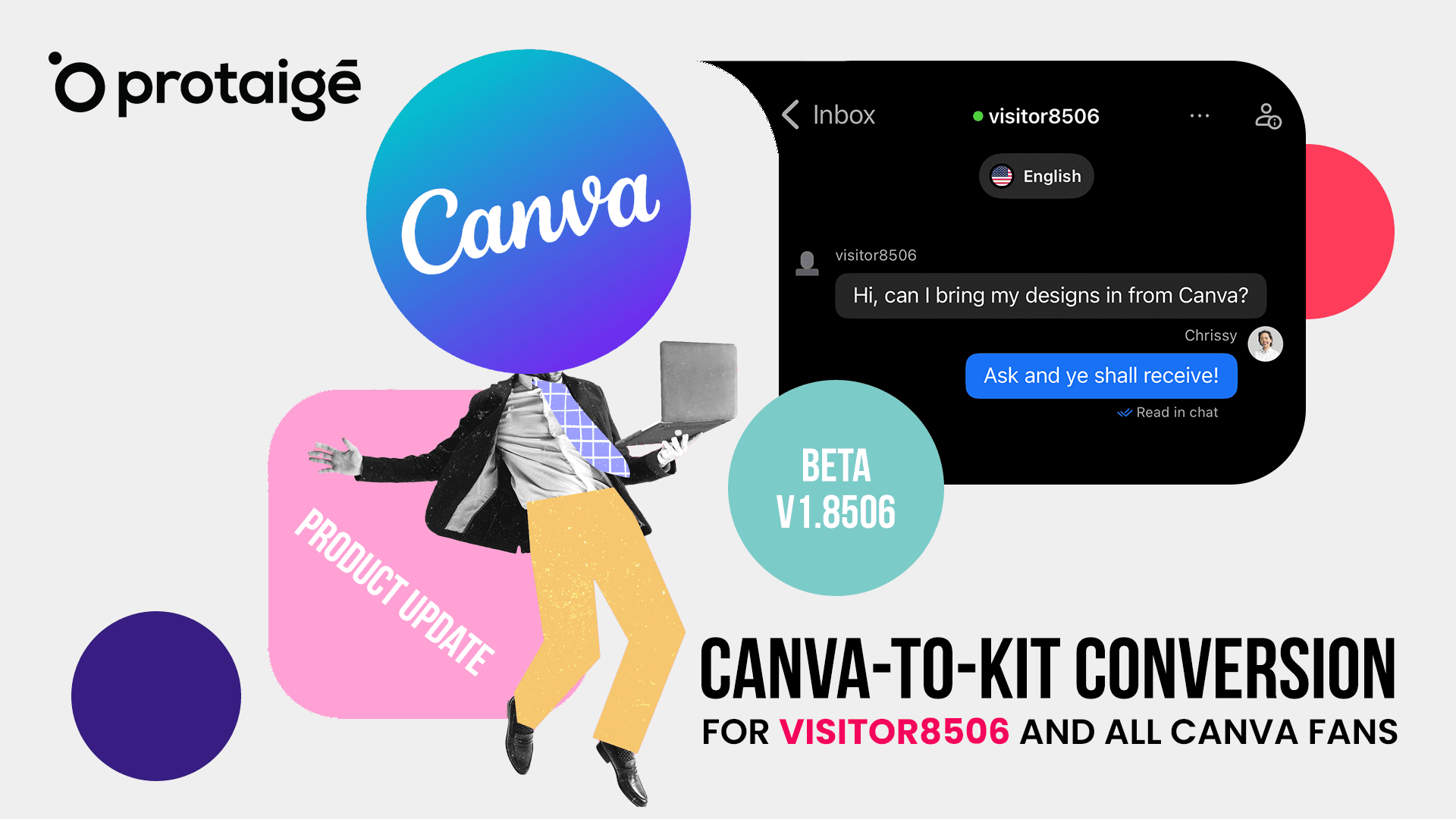
Introducing Canva Import and design kit cloning
We're excited to announce two features that dramatically accelerate design kit creation: Canva Import and Layout Cloning with Resize.
- Speed: Build complete design kits in minutes, not hours
- Consistency: Dynamic block mappings carry forward to every clone
- Flexibility: Import directly from Canva, Photoshop, or InDesign
- Simplicity: Clone, resize, adjust — no rebuilding from scratch
- Integration: Designs flow directly into your campaign workflows
Canva Import: bring your designs to Protaigé
The problem: Your team has already built beautiful designs in Canva. Recreating them manually in another platform wastes time and introduces inconsistencies.
The solution: Export any Canva design and import it directly into Protaigé. Your layout, fonts, and visual elements come with it.
How it works
- Export from Canva — open your design, click Share → Download, select PPTX format
- Import to Protaigé — navigate to Design Kits, click New Design Kit → Upload
- Instant conversion — your design is converted into an editable Protaigé template
Also supported:
- PSD (Photoshop)
- IDML (InDesign)
Single-page designs only. Multi-page support is coming soon.
Layout cloning: one design, every format
The problem: Marketing needs the same design in 15 different sizes. Traditionally, that means recreating the design 15 times.
The solution: Clone any design with all dynamic block mappings preserved. Resize to new dimensions. Adjust layout once. Done.
Dynamic block mapping
Before cloning, label the elements you want Protaigé to populate automatically during campaign generation:
- Logo — your brand logo placement
- H1 / H2 — headlines with automatic font sizing
- Short / Medium / Long Copy — body text areas
- CTA — call-to-action buttons
- Offer — promotional messaging
- Images — hero images and key visuals
More block types are available in the Design Kits documentation. Map these once on your original design. Every clone inherits these mappings automatically.
Clone and resize workflow
For each format you need:
- Clone — click Clone to duplicate your design with all mappings intact
- Resize — select a preset dimension or enter custom width and height
- Adjust — reposition and resize elements for the new format
- Save — your new format is ready
Repeat for every size your campaigns require.
Channel assignment
Specify which channels each format is intended for:
- Social media platforms
- Display advertising
- Email marketing
- Website banners
This metadata flows into campaign generation, ensuring the right formats appear for the right channels.
Real-world impact
Before Clone and Resize:
- 2-4 hours creating a complete design kit manually
- Inconsistent element placement across sizes
- Dynamic mappings recreated for each format
- Frequent errors and rework
After Clone and Resize:
- 15-30 minutes for a complete multi-format kit
- Consistent design language across all sizes
- Map once, clone forever
- One design scales to unlimited formats
Use cases
We deliver 20+ banner sizes per campaign. Clone & Resize cut our production time by 80%.
Agency production
Our Canva templates now flow directly into Protaigé. No more recreating designs from scratch.
Brand teams
Dynamic block mappings persist across every clone. Set it up once, use it forever.
Marketing operations
Try it now
Canva Import and Design Kit Cloning are live for all Protaigé users.
Technical notes
- Version: v1.8506
- Status: Stable
- Breaking changes: None
- Migration required: No
Known issues:
- Multi-page files are not yet supported (first page only)
- Some complex Canva effects may require manual adjustment after import
- Font substitution may occur if brand fonts are not uploaded to Brand DNA
Compatibility:
- All existing design kits remain unchanged
- Works with existing campaign generation workflows