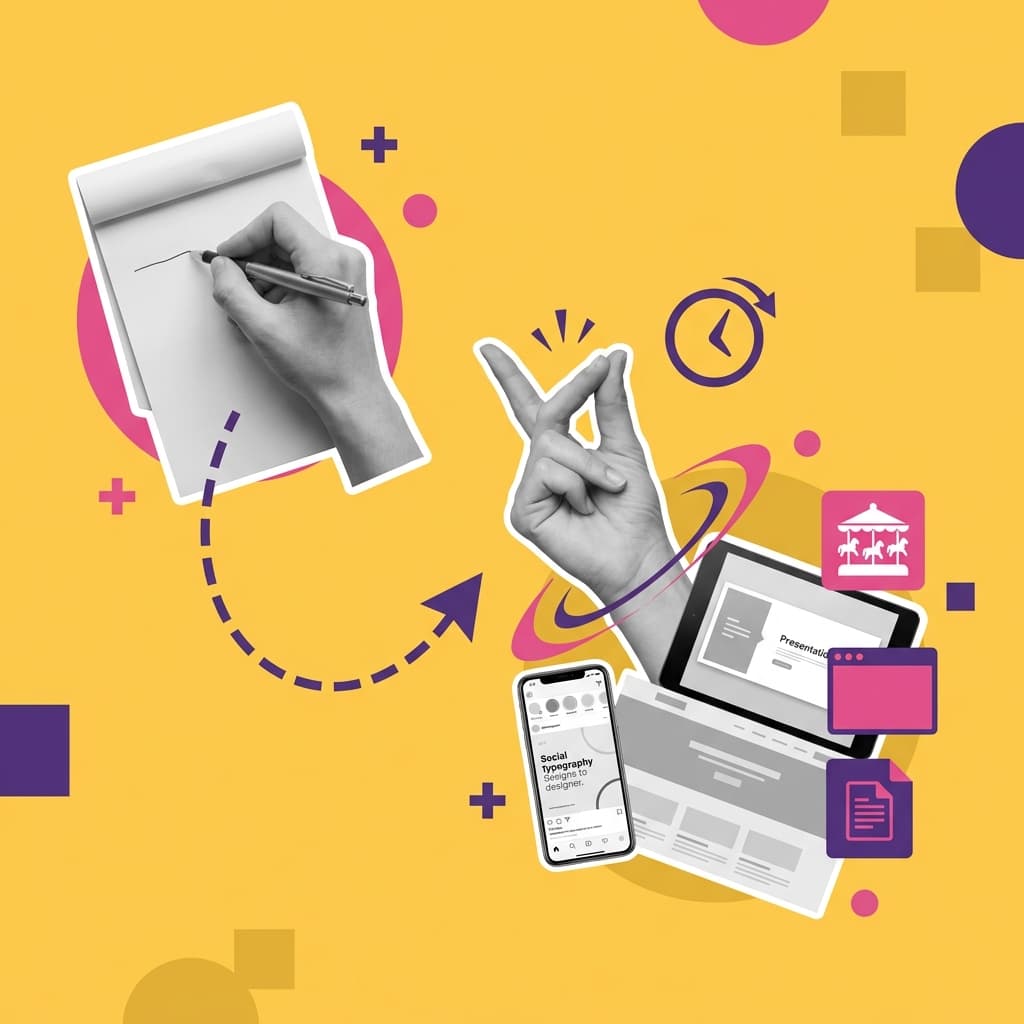
Designs by tomorrow. Sure.
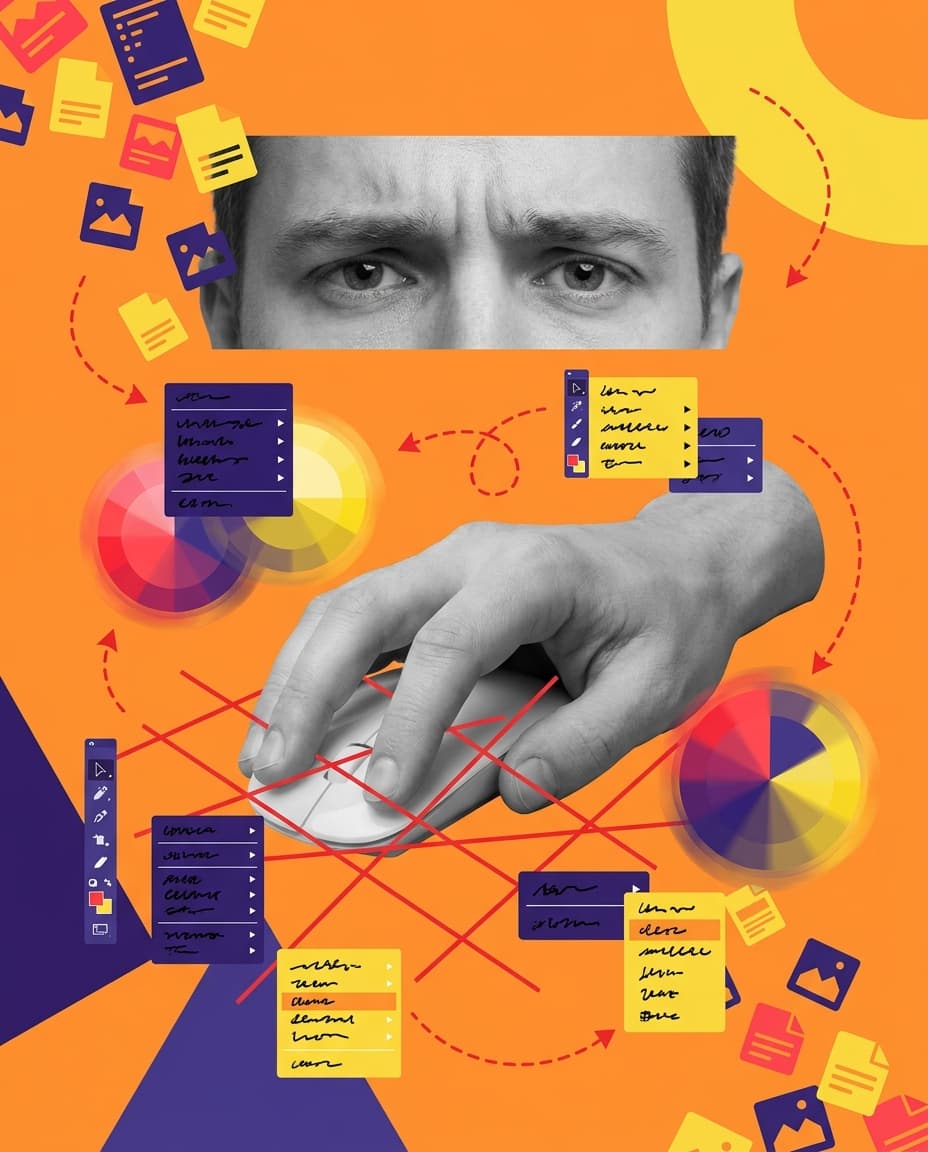
Canva still needs a designer.
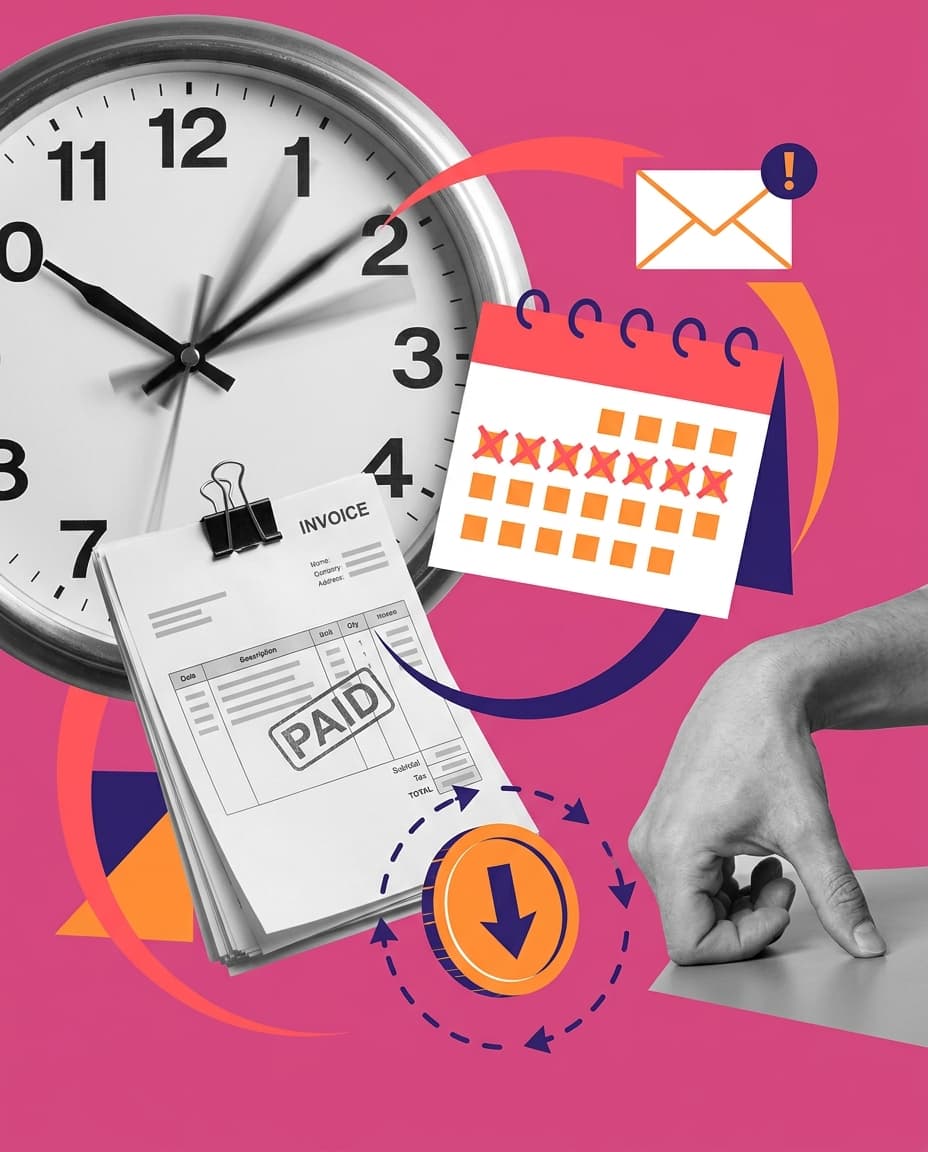
Agencies are slow and expensive.

Templates look like everyone else's work.
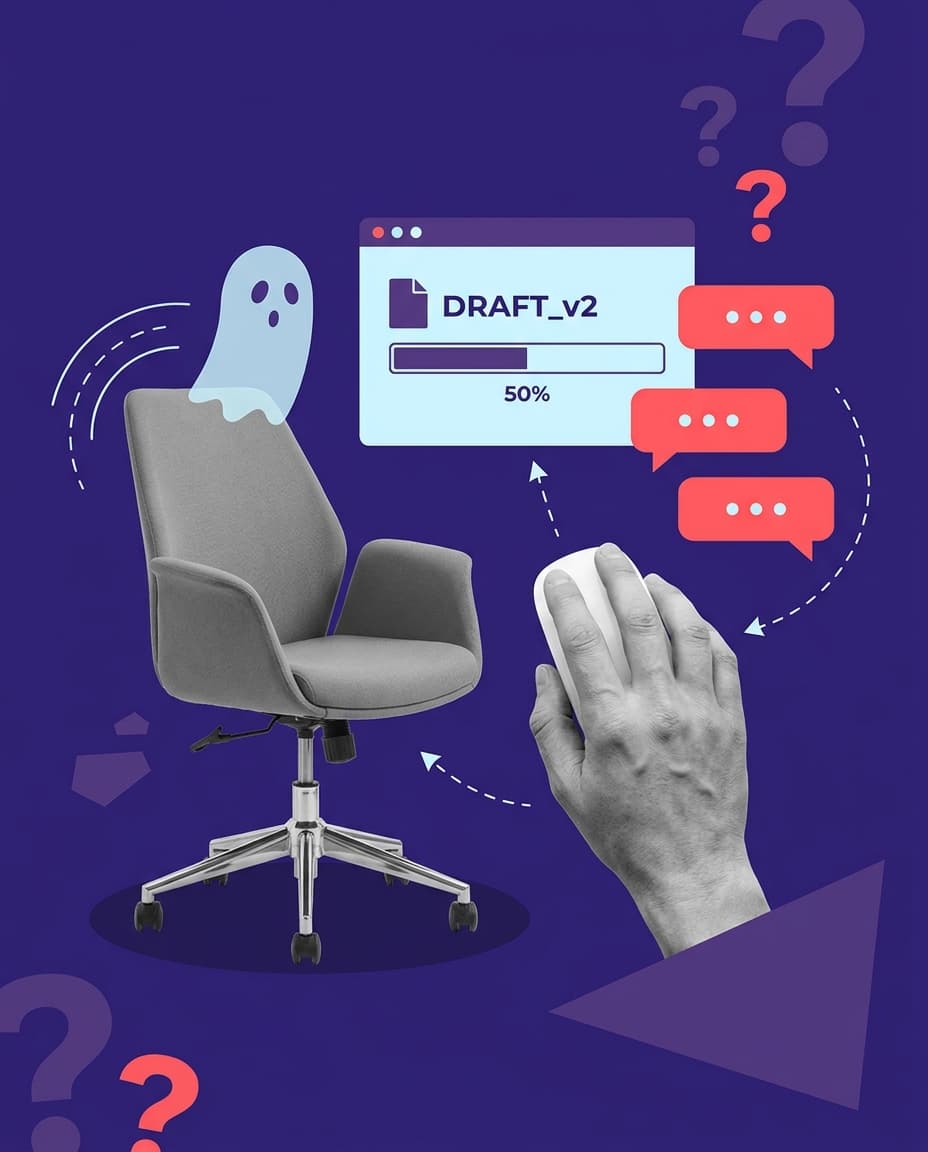
Freelancers disappear mid-revision.
Sketch Studio removes the design step. You describe what you need in plain language, and Protaigé designs it, formats it, and hands you the files.
Every format from the same brief.
On-brand copy, layout, design, and hero images in 60 seconds.
Social carousels
Multi-slide posts for Instagram, LinkedIn, and other platforms. Brand colours locked and copy in place, ready to publish.
Landing pages
Full page structure with whatever sections your brief calls for. The page is responsive and exports as HTML.
Banner sets
Master creative and size variants for display, social, and email.
Presentations
Structured slide decks designed and ready to present.
Emails
Styled to match your brand and ready for your ESP.
Print assets
Posters, flyers, brochures. Print-ready PDFs at the right resolution.
Videos
Export-ready clips with motion and timeline.
Every creative is generated from your brief and brand identity, so nothing starts from a template.
Sketch Studio demo
From brief to finished
- 1
Describe what you need
Write it the way you'd say it, or fill in a form: “A carousel introducing our new product feature.”
- 2
Protaigé designs it
On-brand copy, layout, and imagery in under a minute, already sized for where it's going.
- 3
Edit, export, or publish
Ask Maia for changes or open the visual editor. Then export the files, or publish to your channels.
- 4
Rinse and repeat
Turn one brief into several formats, and one campaign into dozens of assets. Go back to a live campaign at any time and add more designs to it.
How Sketch Studio compares
| Canva | Agency | Sketch Studio | |
|---|---|---|---|
| Who designs | You | Their designers | Protaigé |
| Turnaround | Hours | Days | 60 seconds |
| Cost per asset | Your time | $500+ | Included |
| Brand consistency | You enforce it | Once they've learned it | Built in |
| Originality | Template with your tweaks | Fully custom | Unique every time |
We also ran six AI design tools, Canva included, against Sketch Studio on one brief and brand kit.
See the scores and recordings.
FAQ
Any format you can describe. Social carousels, landing pages, banners, presentations, emails, print assets, videos, and more. If you can brief it, Sketch Studio can design it.
Yes. Request changes by chatting with Maia, or go to the visual editor for advanced layout and design control.
It pulls from your Brand DNA: brand guidelines, logos, colours, typography, imagery, personas, and products. Every asset is generated to match.
Yes. Export as PDF (print-ready), PNG (social-ready), or HTML (web-ready). All formats included.
Yes. Publish to your connected social accounts straight from the canvas. Connect platforms in App Store → Integrations.
The default is whatever you've set under Settings → Content Language. But you can request a different language in your brief and Sketch Studio will generate in that language instead.